
微服务的起点就是服务注册与发现,Spring Cloud Alibaba系列将使用Nacos作为服务注册与发现。
本节主要以nacos-server 1.4.1版本进行演示。
1 服务端
1.1 下载 nacos-server
download.csdn.net/download/qq_28336351/14936184
1.2 启动服务
以Mac为例,演示。
进入到 nacos/bin 目录。
启动命令:
sh startup.sh -m standalone
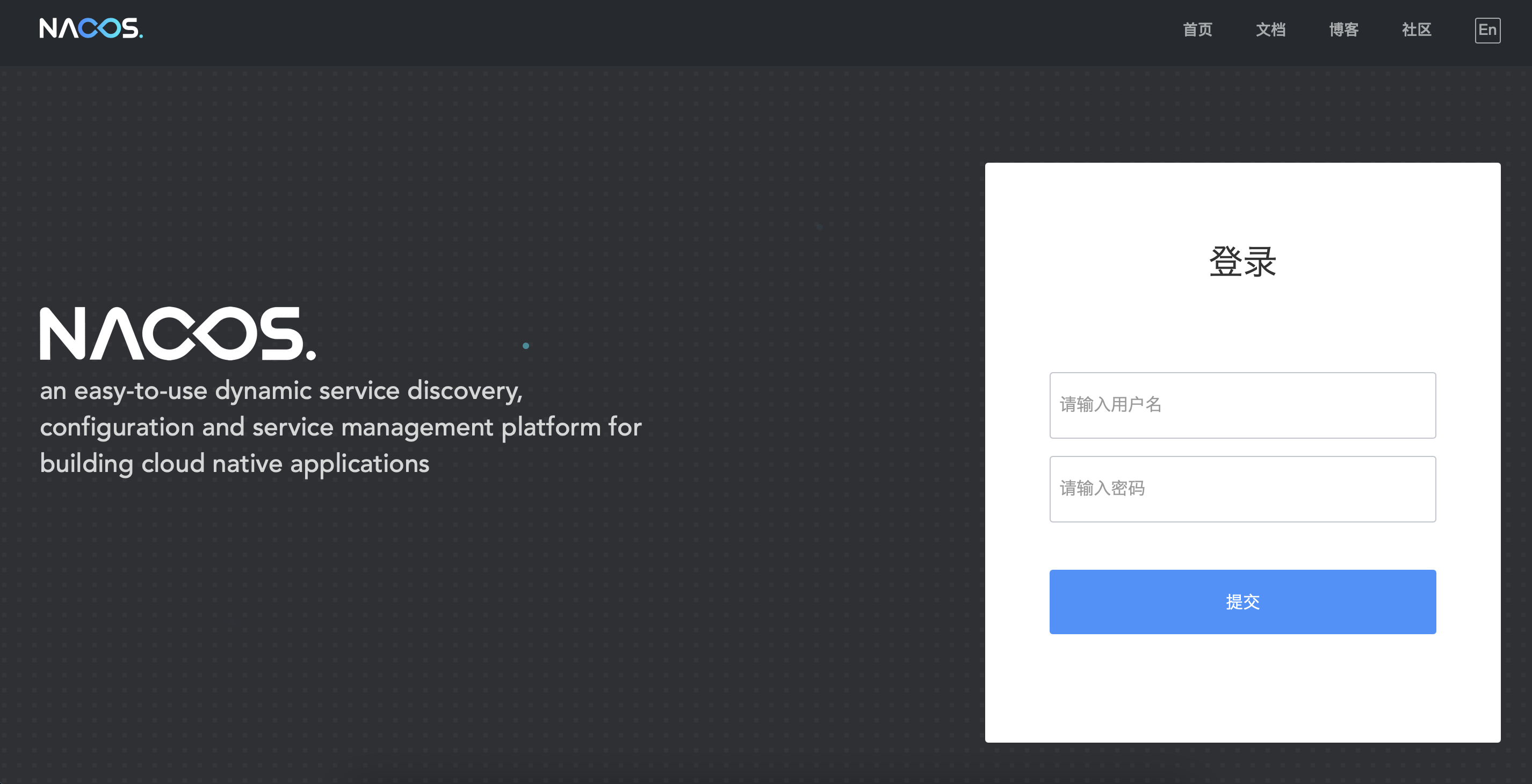
1.3 管理平台
默认账号:nacos
默认密码:nacos
1.4 停止服务
以Mac为例,演示。
进入到 nacos/bin 目录。
启动命令:
sh shutdown.sh
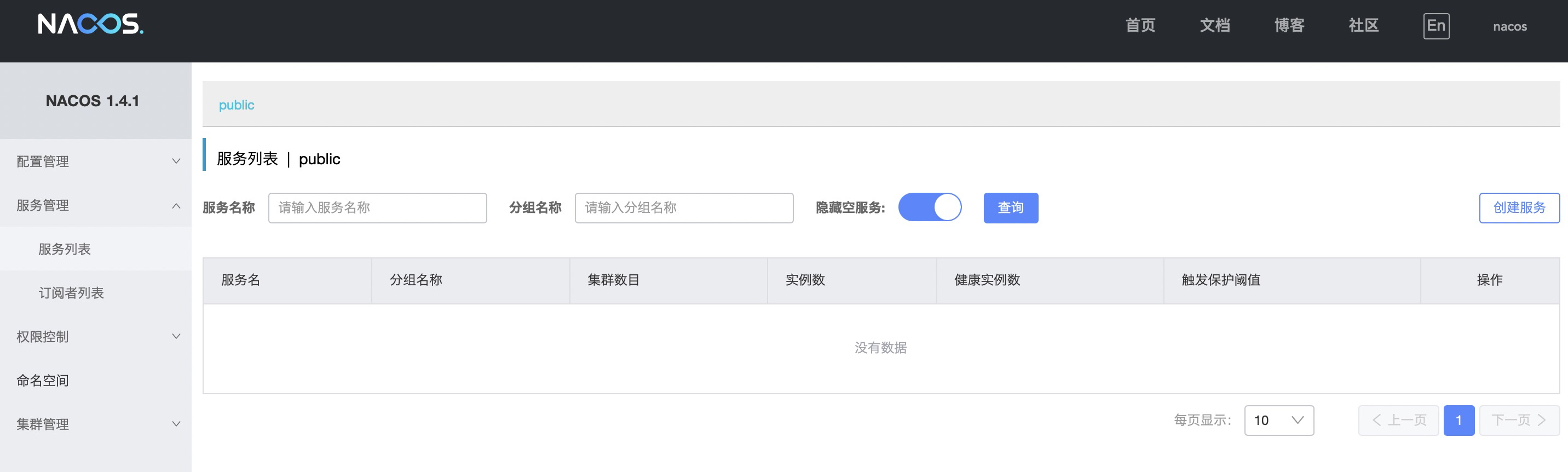
1.5 界面截图
2 客户端
2.1 依赖
<!-- nacos 服务注册 -->
<dependency>
    <groupId>com.alibaba.cloud</groupId>
    <artifactId>spring-cloud-starter-alibaba-nacos-discovery</artifactId>
</dependency>
2.2 自动配置
/*
 * Licensed to the Apache Software Foundation (ASF) under one or more
 * contributor license agreements.  See the NOTICE file distributed with
 * this work for additional information regarding copyright ownership.
 * The ASF licenses this file to You under the Apache License, Version 2.0
 * (the "License"); you may not use this file except in compliance with
 * the License.  You may obtain a copy of the License at
 *
 *     http://www.apache.org/licenses/LICENSE-2.0
 *
 * Unless required by applicable law or agreed to in writing, software
 * distributed under the License is distributed on an "AS IS" BASIS,
 * WITHOUT WARRANTIES OR CONDITIONS OF ANY KIND, either express or implied.
 * See the License for the specific language governing permissions and
 * limitations under the License.
 */
package com.fengwenyi.demouserservicecore.config;

import org.springframework.cloud.client.discovery.EnableDiscoveryClient;
import org.springframework.context.annotation.Configuration;

/**
 * @author <a href="mailto:chenxilzx1@gmail.com">theonefx</a>
 */
@EnableDiscoveryClient
@Configuration
public class NacosDiscoveryConfiguration {
}
2.3 配置
spring.cloud.nacos.discovery.server-addr=127.0.0.1:8848
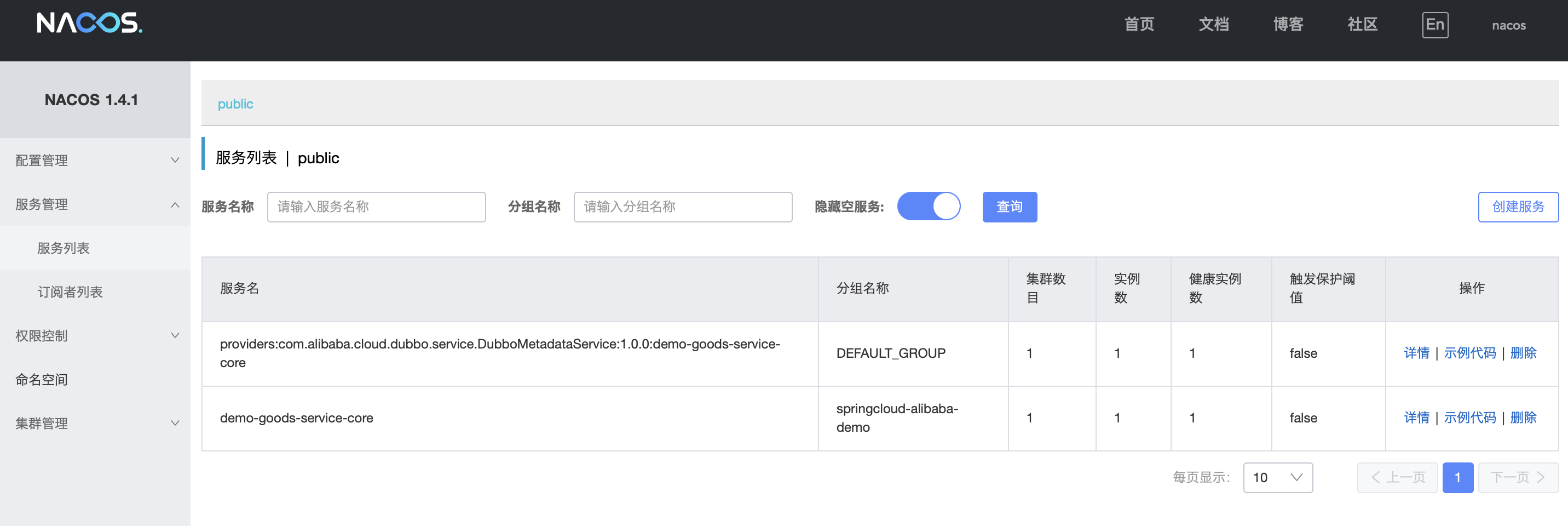
spring.cloud.nacos.discovery.group=springcloud-alibaba-demo
2.4 界面截图
 随时随地看视频